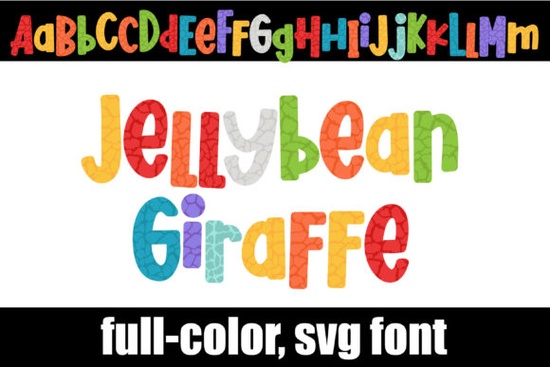
If you're looking for a playful, vibrant font that stands out on invitations, stickers, or digital projects, the Jellybean Giraffe Font is a fun choice. It features a full-color alphabet with a giraffe pattern in a bright, mixed jellybean color palette perfect for kids’ crafts, themed events, or creative branding. The design includes alternate upper and lower case characters, which you can access using your system’s character map.
How to Install and Use the Jellybean Giraffe Font
Installing this font is straightforward. Since it's an OpenType (OTF) file with full-color SVG support, you install it just like any regular font. On Mac, use Font Book; on Windows, add it through your font manager or Control Panel. Once installed, you’ll see it in your list of available fonts.
Note: Color fonts may appear as black in programs that don’t support them. This doesn’t mean there’s a problem it just means the software can’t display the colors. You’ll know the font is working correctly when you type and see the colors show up in your document.
Which Programs Support Color Fonts?
Not all design tools handle full-color fonts yet. But many popular ones do, including:
- Adobe Creative Suite (Photoshop, Illustrator, InDesign)
- Silhouette Studio
- QuarkXPress
- Inkscape (free vector editor)
If you’re using one of these programs and the colors appear when you type, you’re all set. For others, you might need to export to PNG or PDF to preserve the color effect.
Why This Font Works Well for Crafters and Small Businesses
The Jellybean Giraffe Font adds personality to any project. Whether you’re making birthday invites, custom T-shirts, or printable wall art, its cheerful style fits themes like jungle parties, baby showers, or summer camps. Its unique mix of giraffe patterns and candy-colored tones makes it instantly recognizable.
For print-on-demand sellers, this font offers a distinctive look without needing complex design work. Just type your text, apply the font, and you’re done. No extra layers, no complicated edits just instant visual impact.
What You Should Know Before Using It
While the OTF file works in most modern design apps, it’s not compatible with Cricut machines. If you plan to cut physical materials using Cricut, you’ll need a different format, such as a standard TTF or SVG file. Always double-check your tool’s requirements before starting a project.
You can also use the alternate characters found in the character map to create subtle variations in your designs. These extras help avoid repetition and give your work a more handcrafted feel.
Where to Find More Colorful Fonts Like This One
If you enjoy the Jellybean Giraffe Font, you might also like other playful, colorful typefaces from Creative Fabrica. Explore collections that mix animals, patterns, and bright palettes to match your creative mood.
Check out similar designs at this page, where you’ll find curated options perfect for kids' themes, seasonal projects, and bold branding.
For inspiration and more options, visit Jellybean Giraffe Font on Creative Fabrica to browse related styles and user reviews.
Final Tip: Test Your Design Before Finalizing
Always test how the font looks in your final output. Preview it in the actual program you’ll use especially if you’re sharing it with clients or printing it. Make sure the colors are showing up as expected and that the layout works well across devices.
Once you’ve confirmed everything looks right, save your file in a format that preserves the color data, like PNG or PDF, especially if you’re sending it to someone who might not have the font installed.
With the Jellybean Giraffe Font, you get a fun, ready-to-use design element that adds joy to any project no extra steps needed.
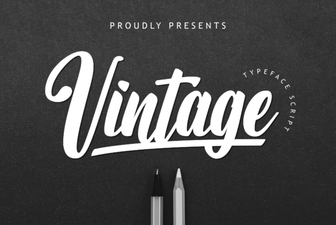 Vintage Font for Creative Design Projects
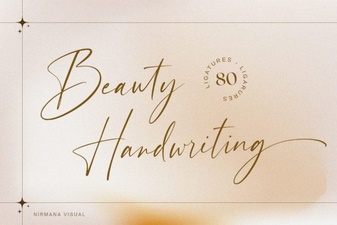 Elegant Beauty Handwriting Font for Creative Projects
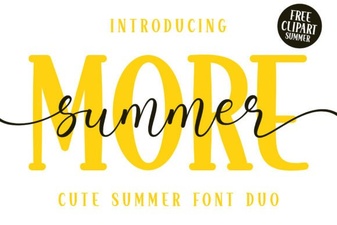 Summer Duo Font: Creative Design & Usability Tips
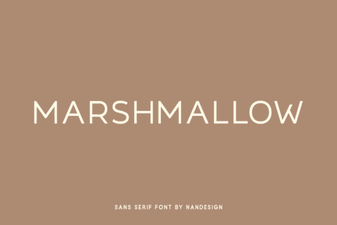 Creative Marshmallow Font for Playful Design Projects
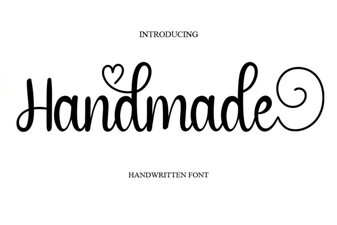 Handmade Font for Creative Design Projects
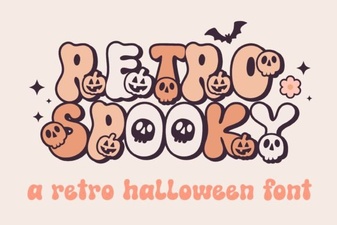 Retro Spooky Font for Creative Design Projects